iPhone Duo App Store screenshot sizes
iPhone Duo has two displays, and App Store Connect has a screenshot size for each. Here are the exact sizes, when you'll need them, and how to capture them in the simulator.
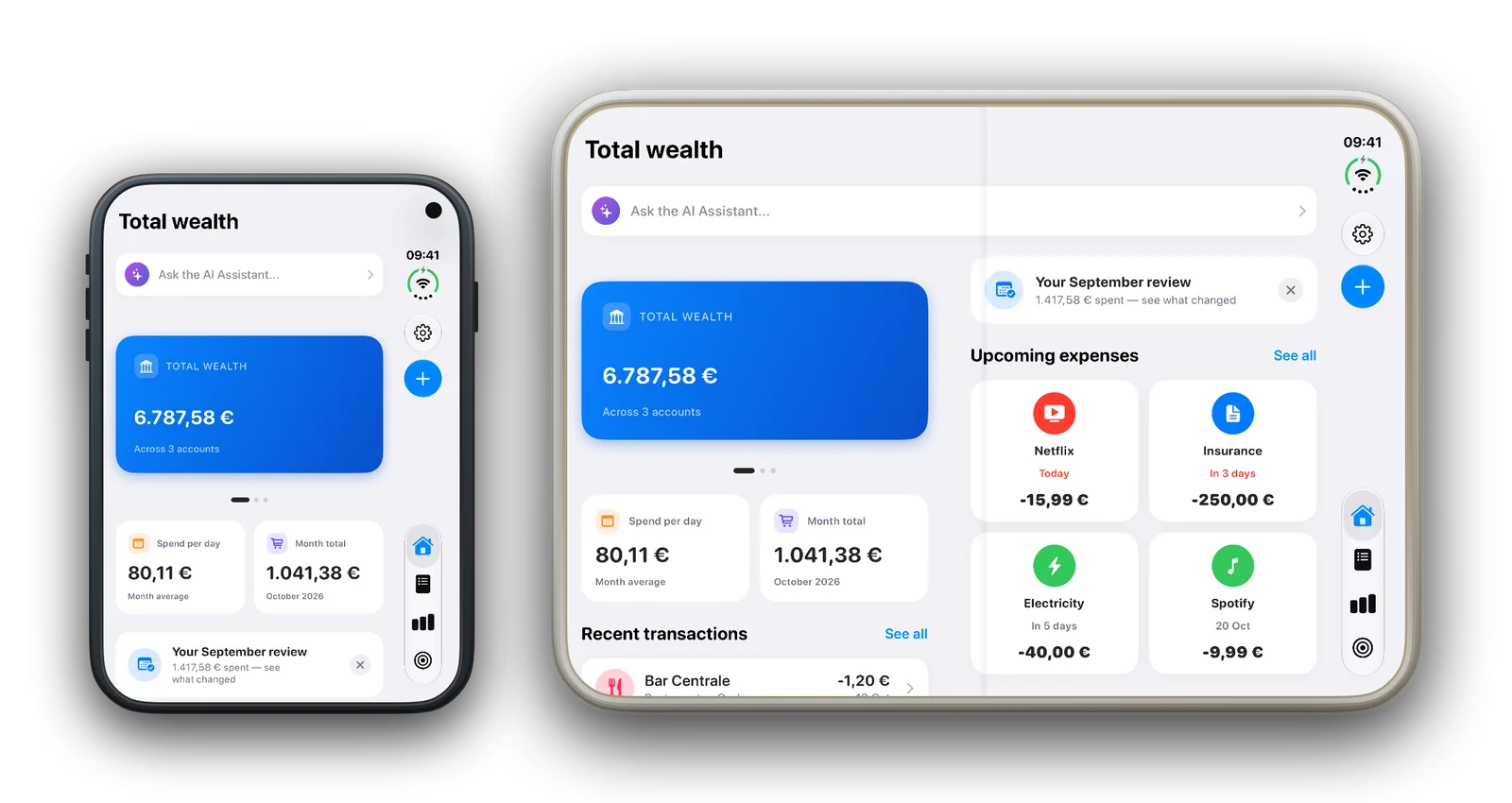
The sizes
| DISPLAY | PORTRAIT | LANDSCAPE |
|---|---|---|
| Outer (closed, 5.4″) | 1398 × 2034 px | 2034 × 1398 px |
| Inner (open, 7.6″) | 2007 × 2853 px | 2853 × 2007 px |
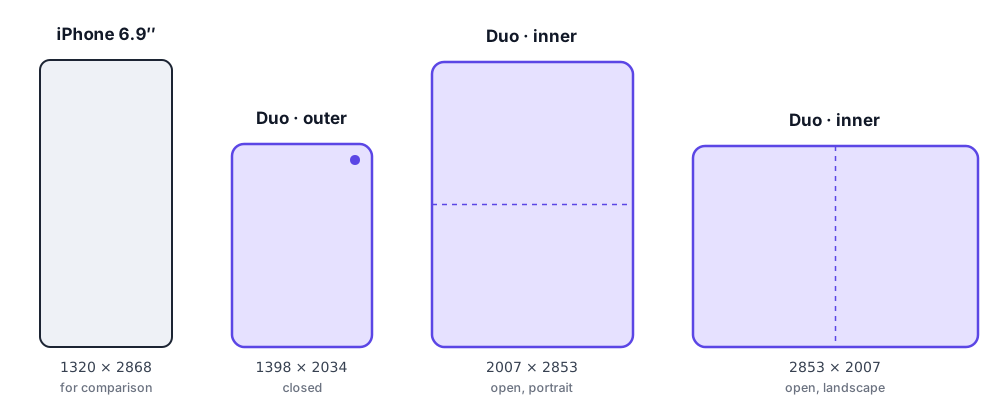
Both are much squarer than any other iPhone: about 2 : 3, against roughly 1 : 2.2 for the 6.9-inch size. That's why your existing iPhone screenshots can't simply be resized — App Store Connect checks pixel sizes exactly, and stretching or cropping a 6.9-inch layout into this shape loses a third of it.
The usual rules still apply: PNG or JPEG, no transparency, up to 10 screenshots per size and language.
When do you need them?
Not yet — but plan for it. Apple's specifications say iPhone Duo screenshots become required from April 2027 for apps built with the iOS 27.1 SDK or later. Until then they're optional.
Optional is still worth doing. iPhone Duo goes on sale on October 23, 2026, and the first people browsing the App Store on it will see whichever apps bothered to show themselves properly on it.
One catch: you can't upload them through the API yet
As of October 13, 2026, the App Store Connect API's list of screenshot display types (ScreenshotDisplayType) has no iPhone Duo value. Anything that uploads through the API — scripts, CI, most screenshot tools — can't send Duo screenshots yet.
For now, upload them by hand in App Store Connect in the browser, on your app version's page. We'll update this page when the API catches up.
Source: Apple — ScreenshotDisplayType
How to capture iPhone Duo screenshots
Xcode 27 includes an iPhone Duo simulator (iOS 27.1 runtime). It has a separate framebuffer for each display, so you can capture either one at its exact App Store size.
- Create and boot an iPhone Duo simulator, then run your app on it.
-
List its displays:
xcrun simctl io booted enumerateLook for the two entries with
Display class: 0: one is 1398 × 2034 (outer), the other 2007 × 2853 (inner). Note each one'sUUID. -
Capture the display you want:
xcrun simctl io booted screenshot --display=<UUID> outer.png
The files come out at exactly the App Store sizes — no resizing needed.
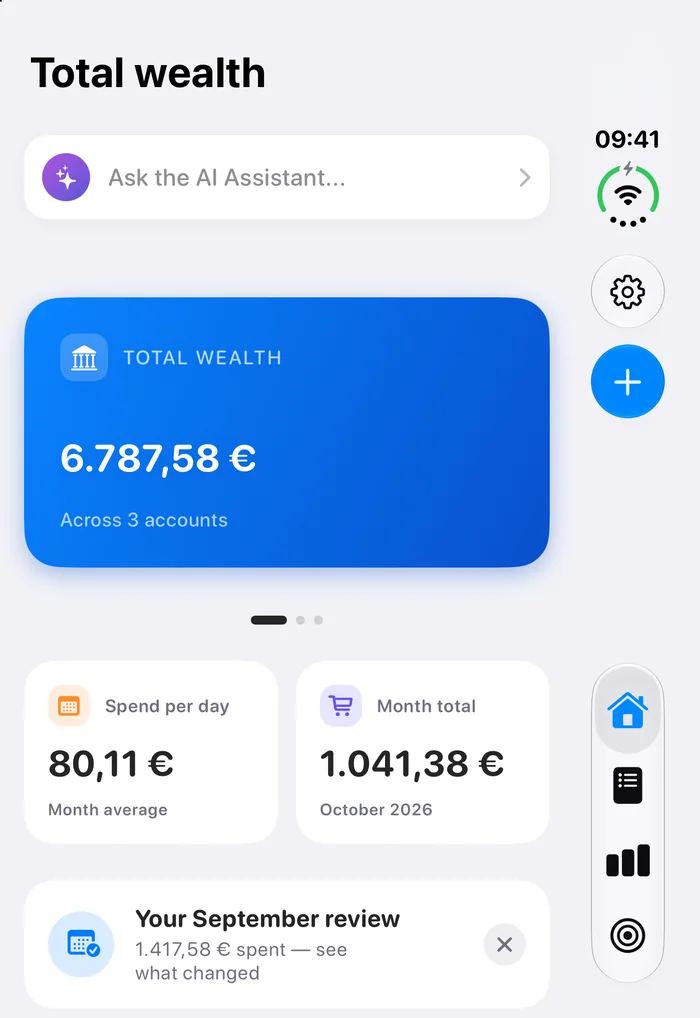
Expect a status column. On the outer display the system keeps the time and status icons in a column at the side, next to your app, and the capture includes it. That's how the display works, not a bug in your app — but it's worth knowing before you design around the edges.
Designing for the two displays
A few things from Apple's design guidance that change what your screenshots should show:
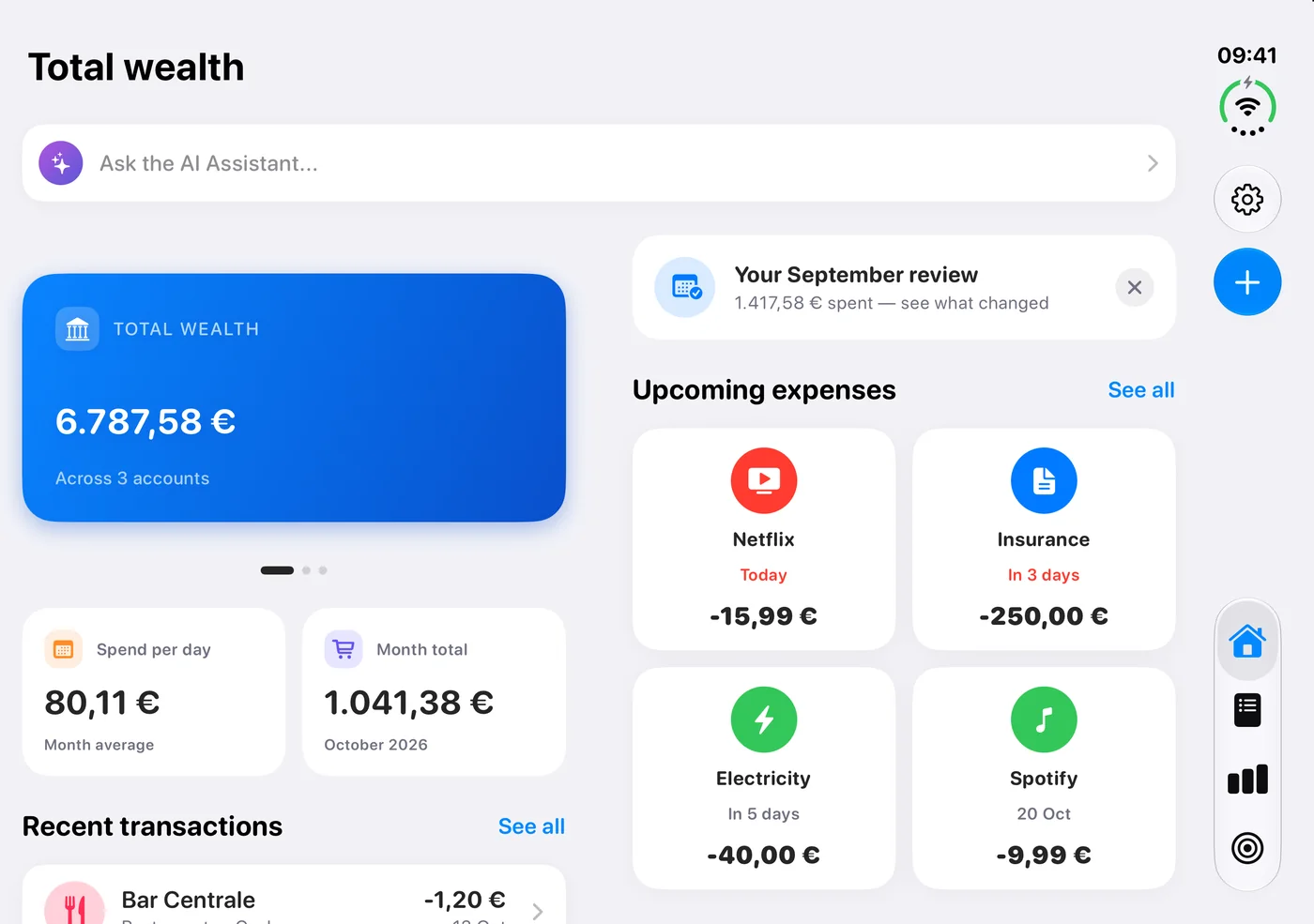
- The outer display is wider and shorter than any other iPhone, so the system moves tab bars and toolbars to the side. Your outer-display screenshots will show controls in a side column, not along the bottom.
- The outer camera sits in a corner and is always visible. The inner camera is under the display and only appears when it's in use.
- The inner display folds. When the phone is half open, the area around the hinge is a reserved region that controls should avoid.
- The inner display is the place for a second level of detail — Apple's example is Mail showing the list and the message side by side when open, but only one of them when closed. If your app does this, it's the most persuasive thing to show.
Source: Apple — Designing for iPhone Duo
 COMING IN MARQUEE 1.1
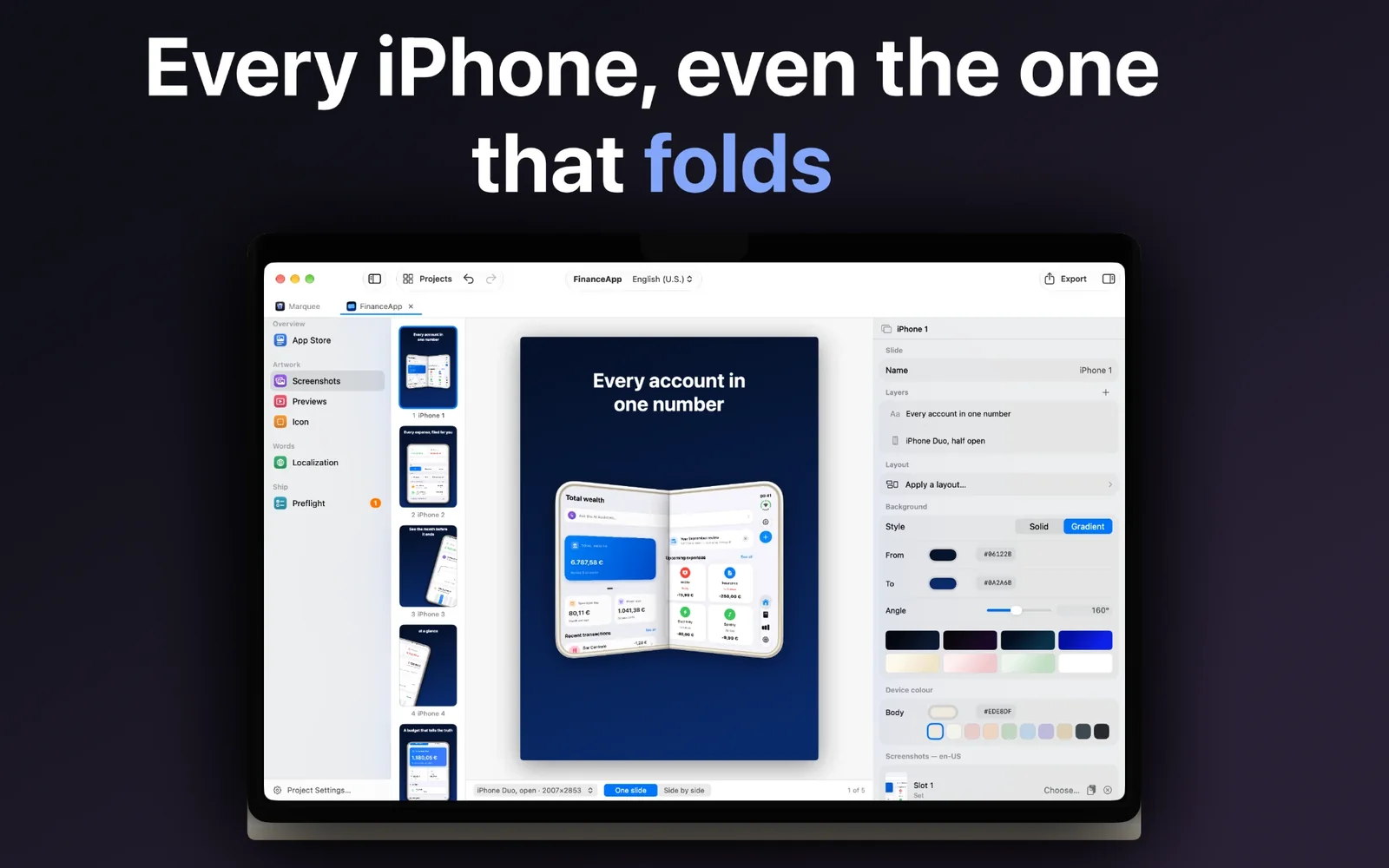
iPhone Duo frames, built into Marquee
Marquee 1.1 adds iPhone Duo: closed, open and half-open frames, with the screen cut out at the exact App Store size. Design your iPhone screenshots once and export both Duo sizes. Coming this week.
Marquee is a Mac app for App Store screenshots, preview videos and icons — one-time purchase, no subscription.
FAQ
What size are iPhone Duo App Store screenshots?+
Outer display: 1398 × 2034 px portrait or 2034 × 1398 landscape. Inner display: 2007 × 2853 px portrait or 2853 × 2007 landscape.
Are iPhone Duo screenshots required?+
Not yet. Apple says they become required from April 2027 for apps built with the iOS 27.1 SDK or later.
Can I resize my 6.9-inch screenshots for iPhone Duo?+
Not without losing a lot of the picture: the Duo sizes are about 2:3, the 6.9-inch size about 1:2.2, and App Store Connect only accepts the exact pixel sizes.
Can I upload iPhone Duo screenshots with the App Store Connect API or fastlane?+
Not as of October 13, 2026: the API has no iPhone Duo display type yet. Upload them in App Store Connect in the browser.
How do I take a screenshot of the iPhone Duo outer display in the simulator?+
Run xcrun simctl io booted enumerate, find the 1398 × 2034 display's UUID, then xcrun simctl io booted screenshot --display=<UUID> outer.png.
Last updated October 13, 2026. Not affiliated with Apple. iPhone and App Store are trademarks of Apple Inc.