 DISKDROP FOR MAC
"Your disk is almost full." Now what?
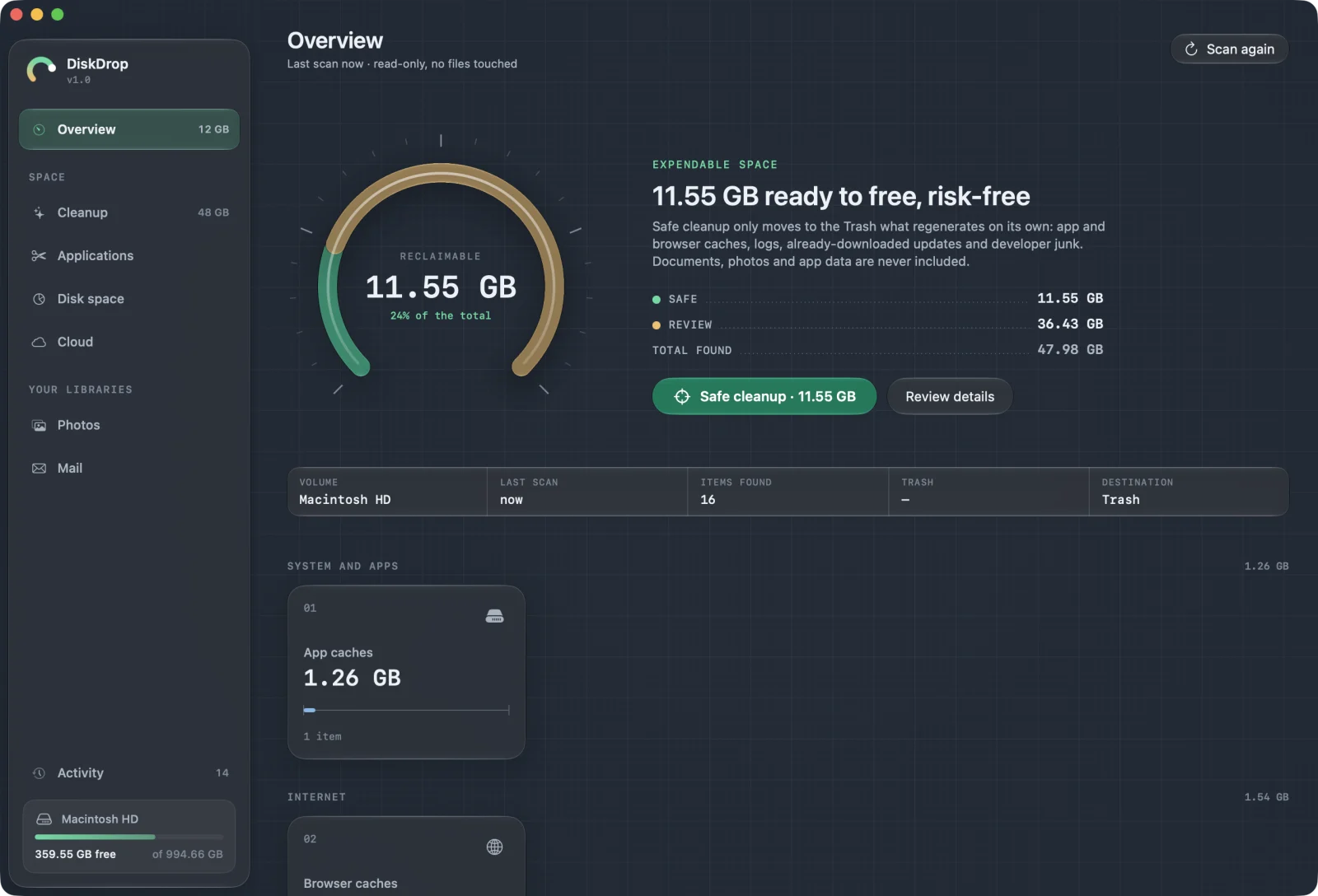
Scan your Mac for free and see one number: how much can go without risk. Then look at everything else and decide for yourself.
Where the space usually goes
- Caches, logs and temporary files from apps and browsers. They regenerate on their own, so they're preselected.
- iPhone and iPad backups, listed by device and date, flagging older ones.
- Leftovers of apps you've already uninstalled.
- Installers of apps you already have, and archives you've already extracted.
- Messages and WhatsApp attachments over 5 MB.
- Cloud files downloaded to your Mac and never used: remove the local copy and they stay in the cloud.
- Big files you haven't opened in over a year.
Need the file, but not on your Mac?
Move it to iCloud Drive, Google Drive, another connected service or an external disk. DiskDrop makes a copy and checks it. Only then does the original go to the Trash.
Safe by design
- Everything goes to the Trash. You can undo a cleanup or use Put Back in the Finder.
- The system is off-limits. The system volume, keychains and accounts are excluded by rule.
- Your files stay on your Mac. No account and no analytics.
FAQ
Why hasn't my free space changed?+
Files in the Trash still use space. Empty the Trash when you're sure.
Will it clear "System Data"?+
Partly. Caches, backups and similar files that macOS counts there show up in DiskDrop, but much of it belongs to macOS, and DiskDrop doesn't touch that.
Is it a subscription?+
No. Scanning is free, and cleaning is a one-time license for up to 3 Macs: €14.99 for a limited time with code LAUNCH, instead of €29.
See what you'd get back.
DiskDrop is a Mac app that finds the space you don't need and moves what you choose to the Trash. Scanning is free; cleaning is a one-time license, with no subscription: €14.99 with code LAUNCH at checkout for a limited time, instead of €29.